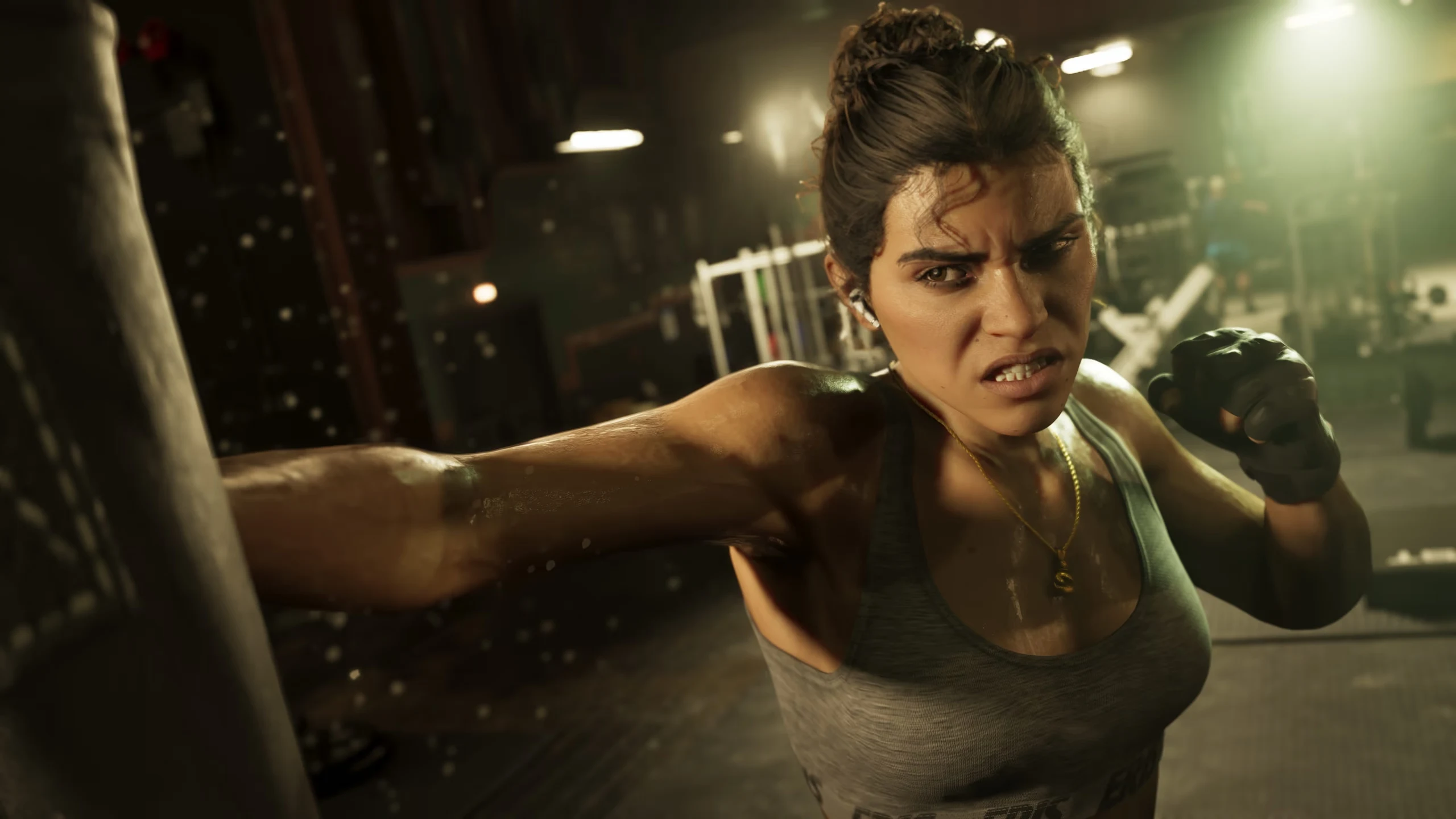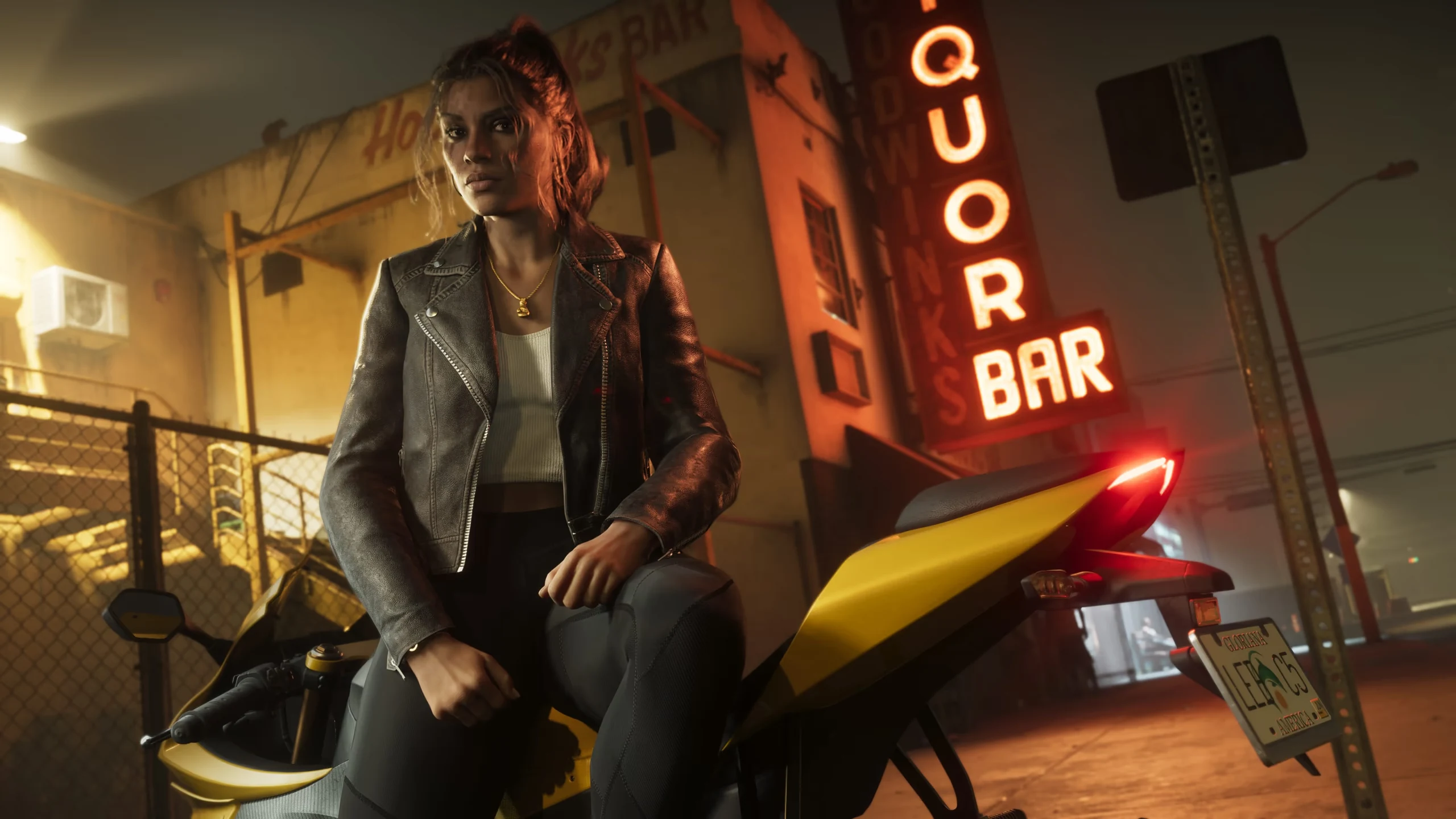
gameplay
Gameplay
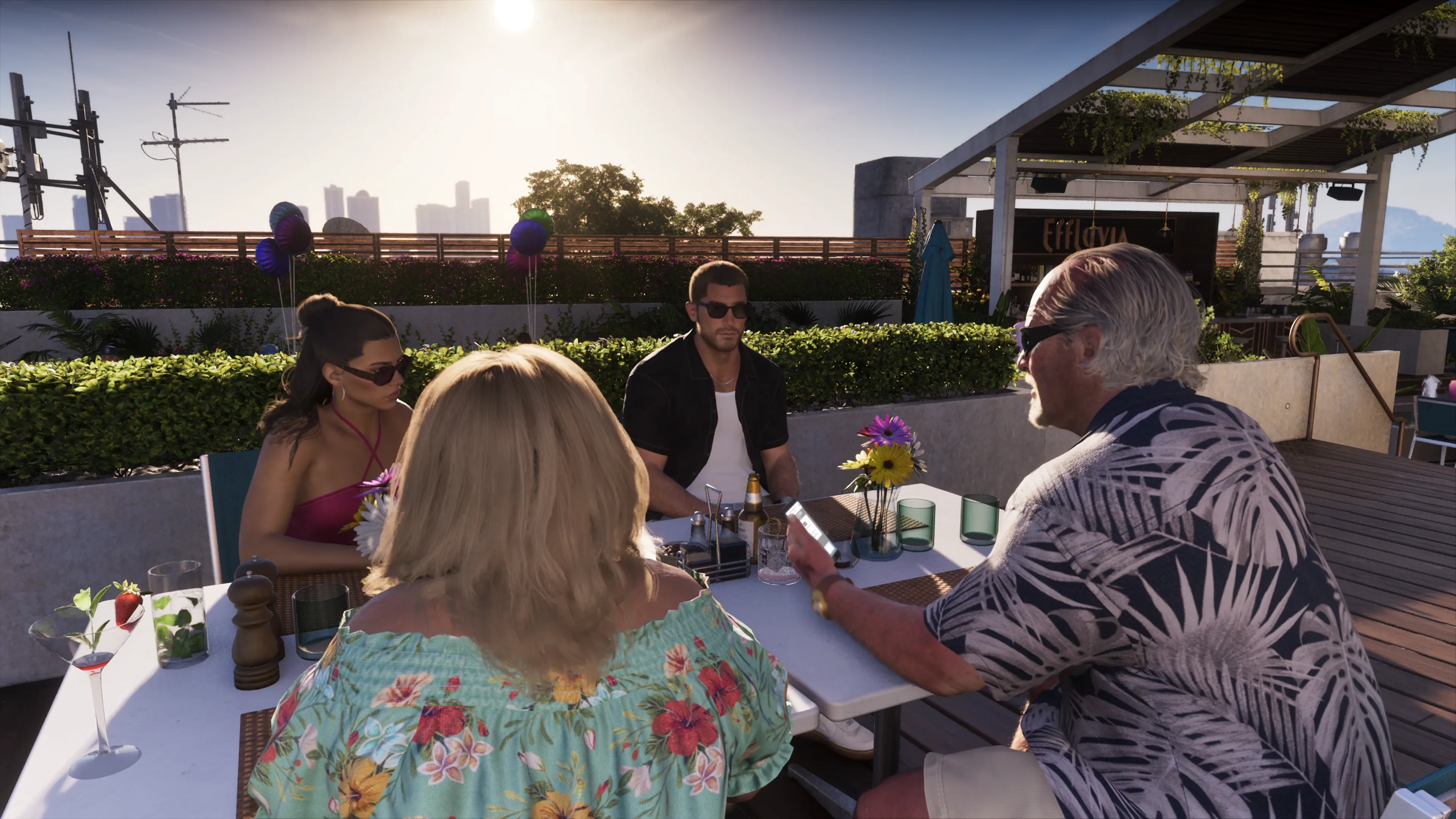
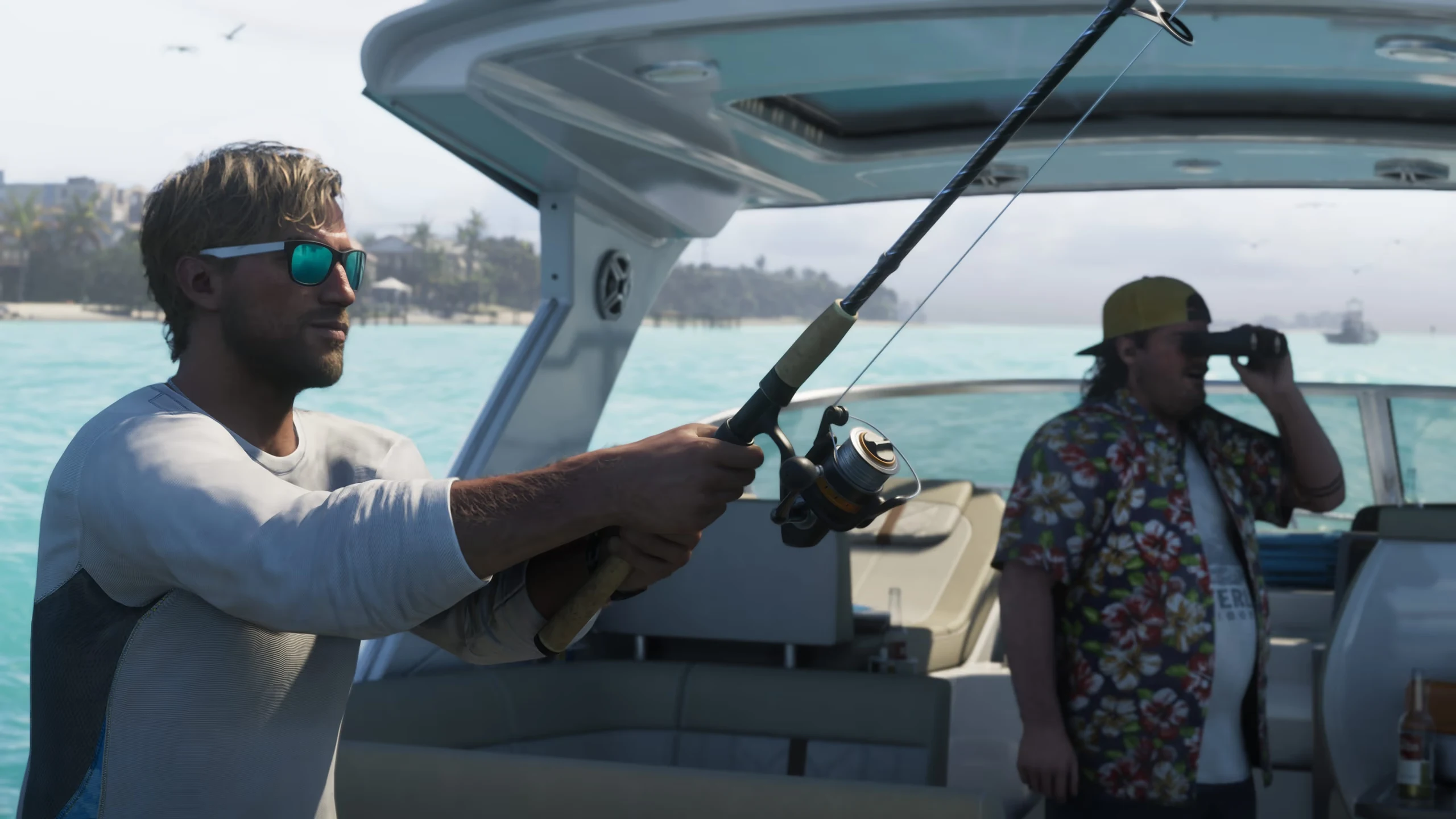
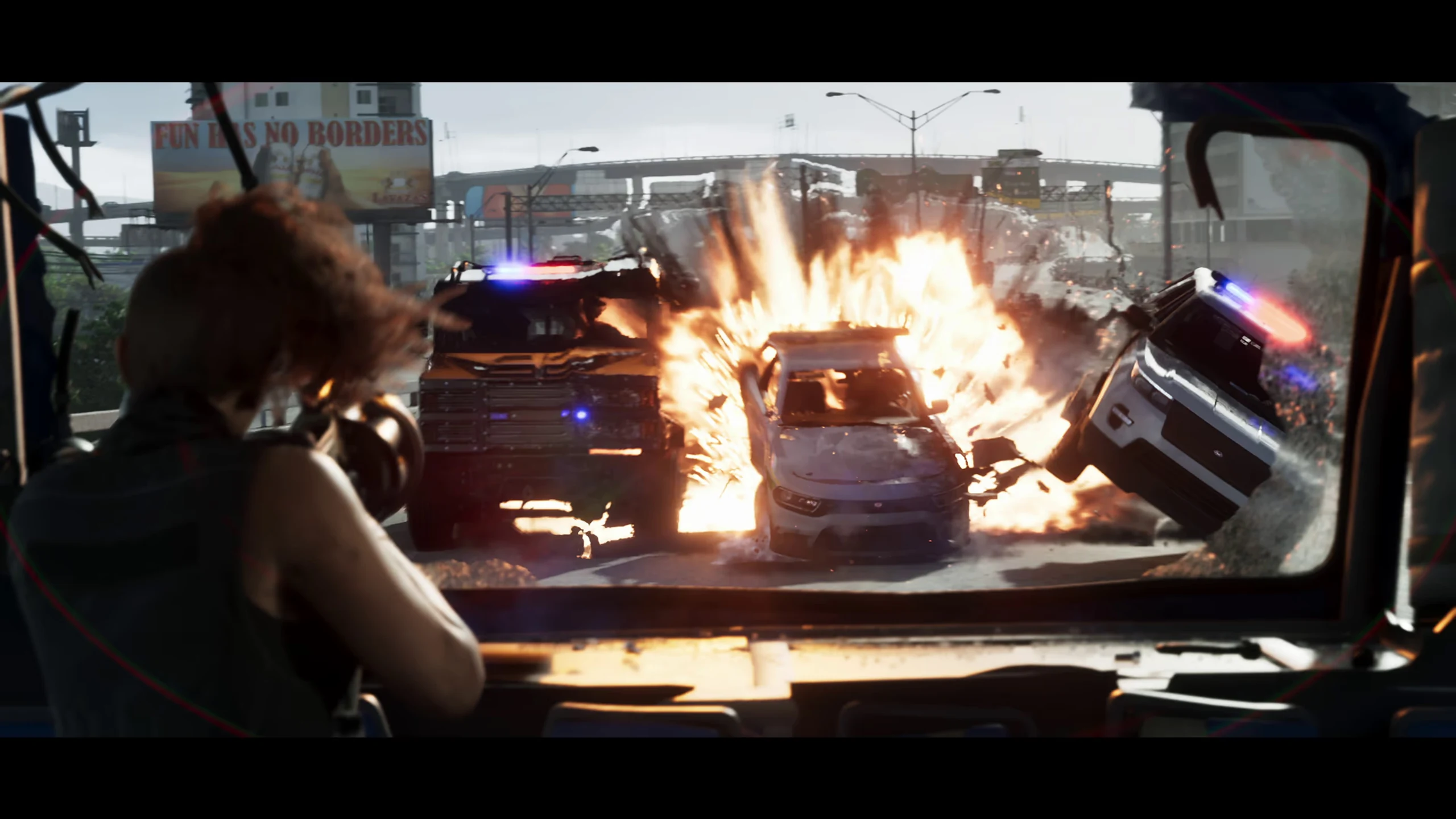
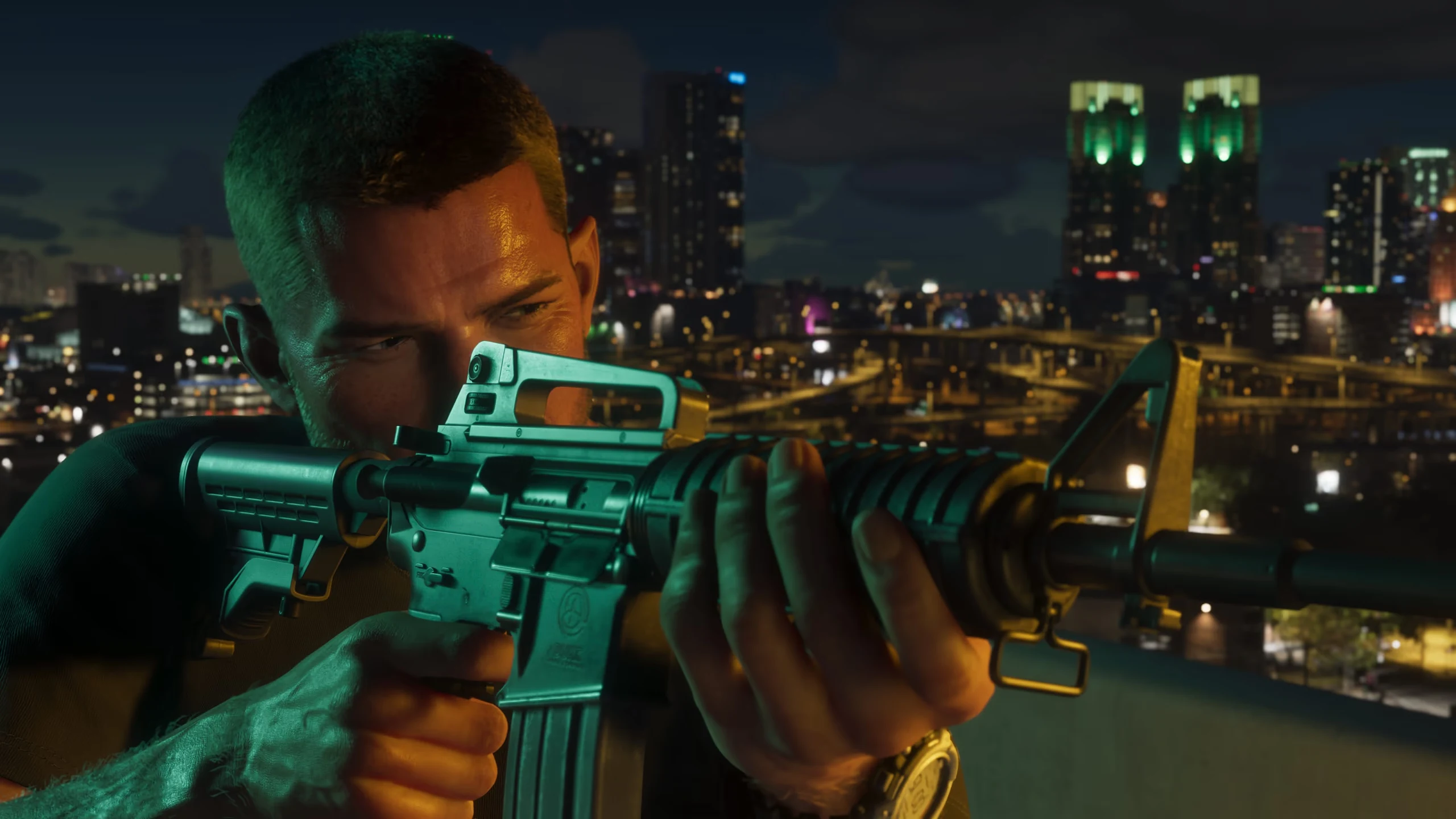
Find the player-controlled actions in Rockstar's PS5 footage and follow each system to its dedicated evidence page.
Read guideFind recent GTA 6 updates, explore Leonida and its characters, or get help choosing a platform and edition.
Last updated:
September & October updates · Reviewed
The PlayStation listing carries an In-Game Purchases notice. The label alone does not reveal a currency system, paid missions or an Online mode.
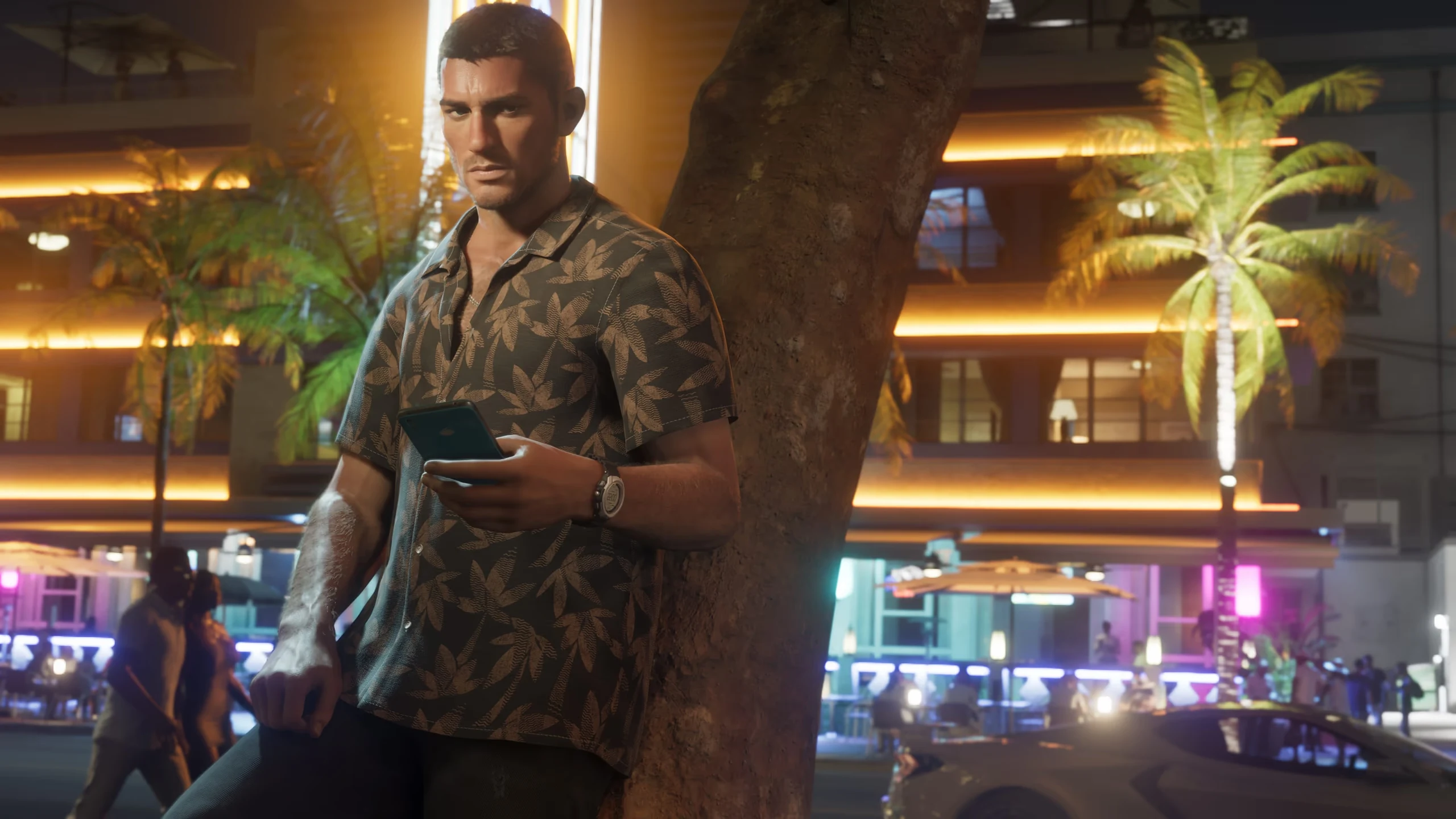
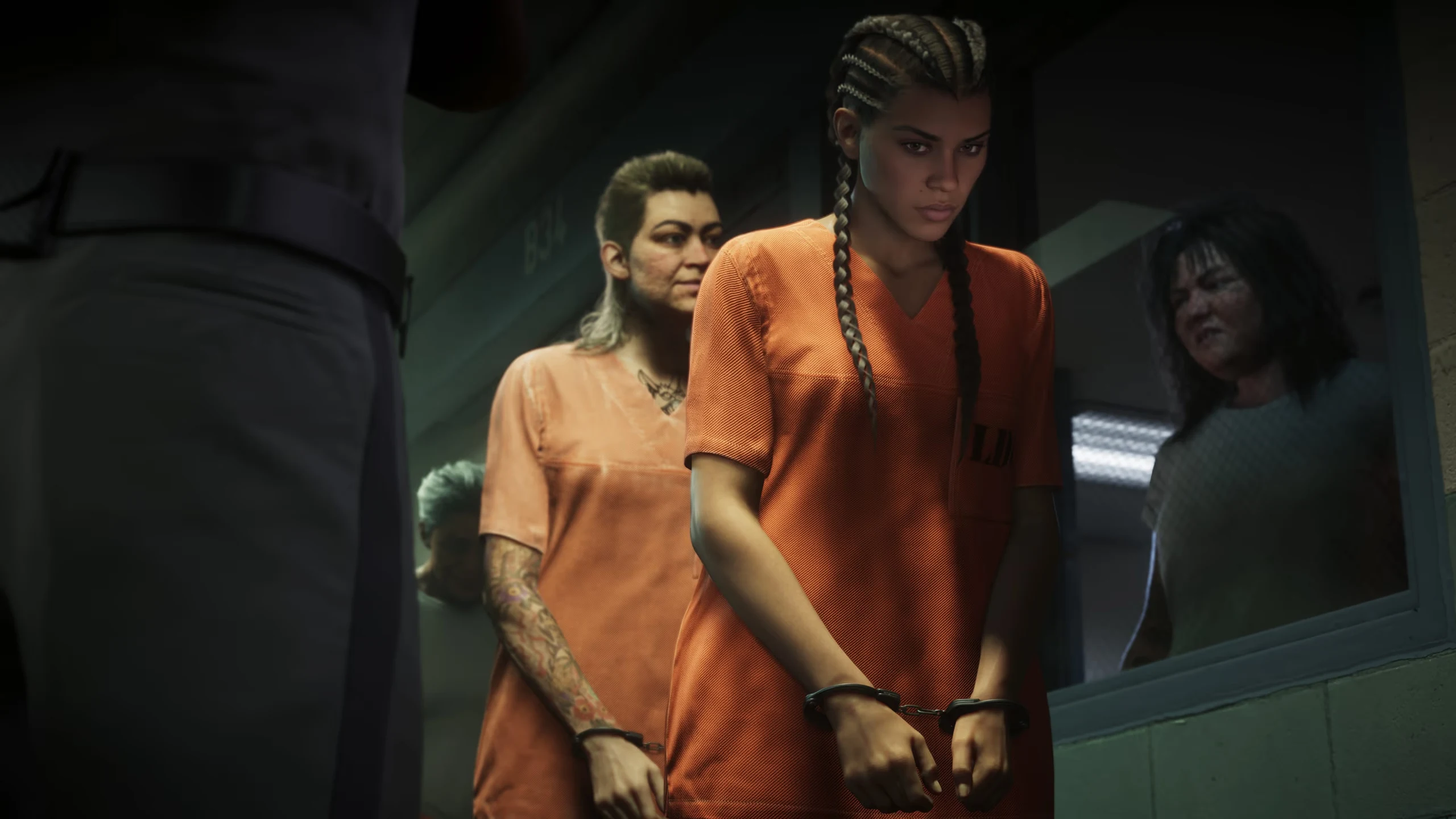
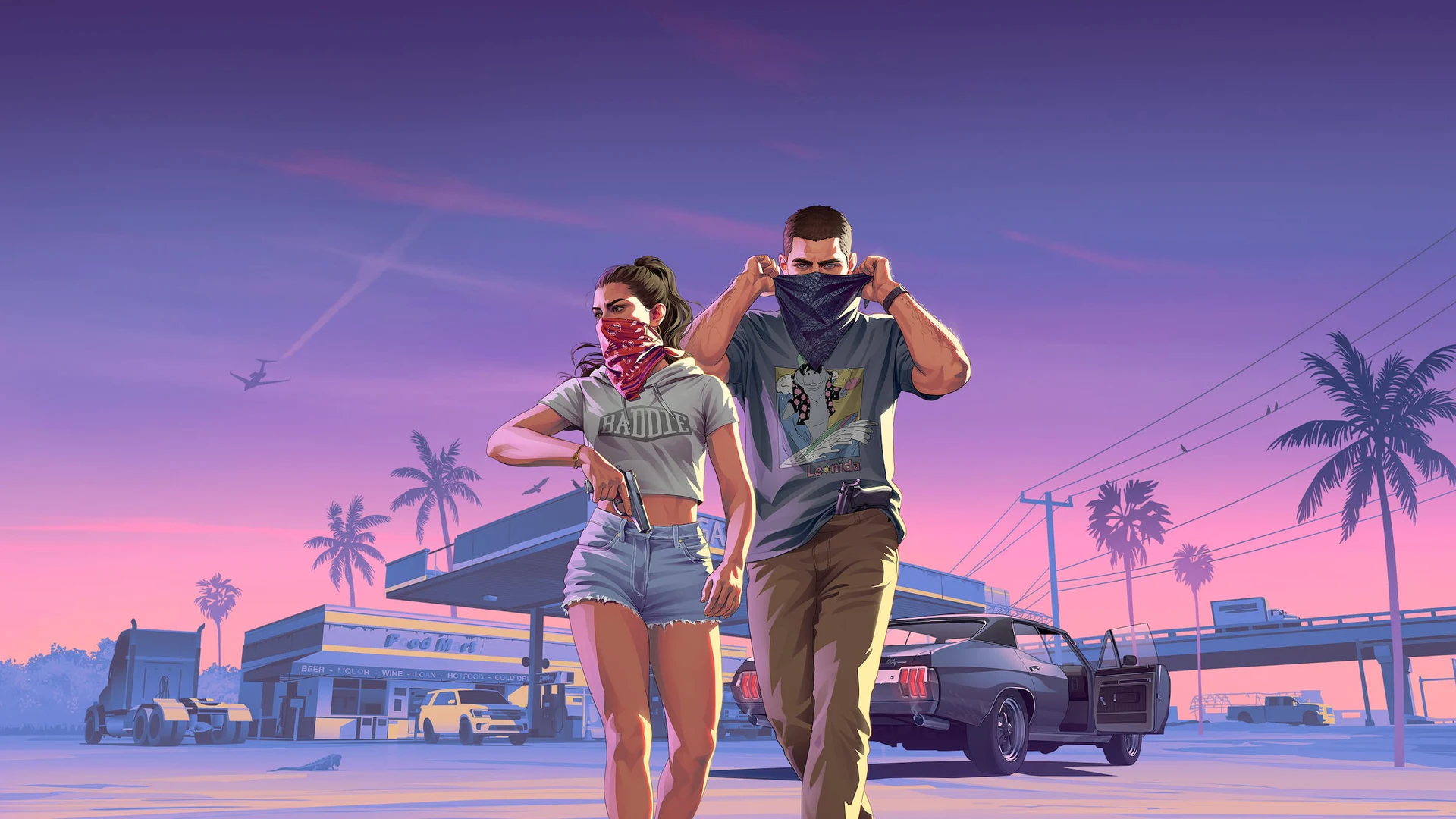
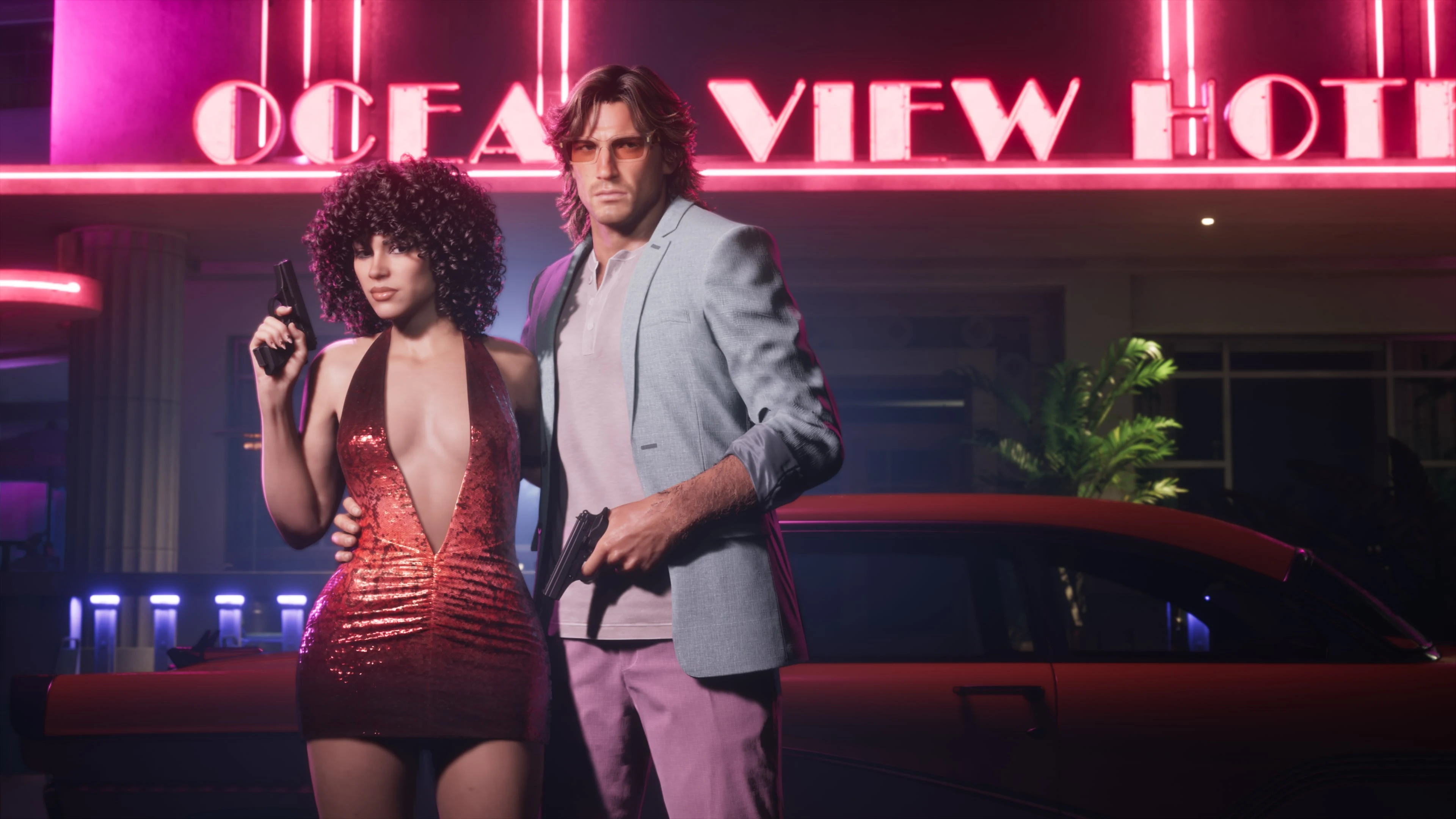
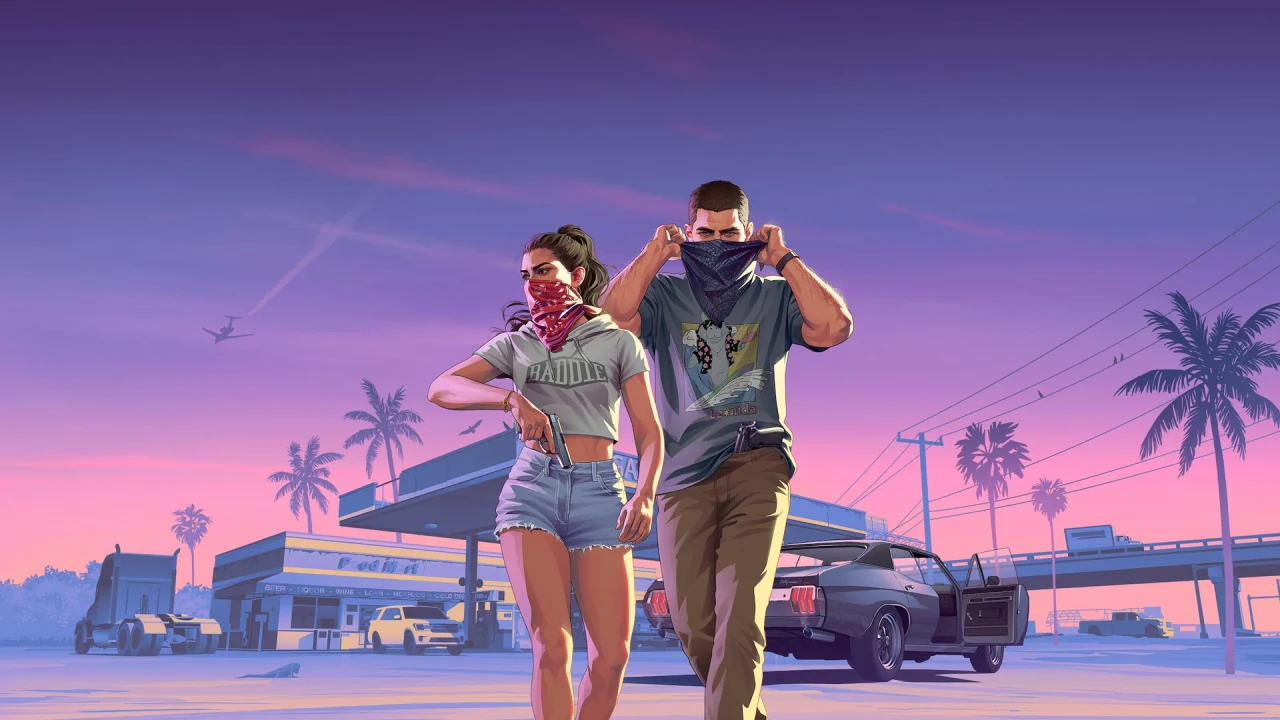
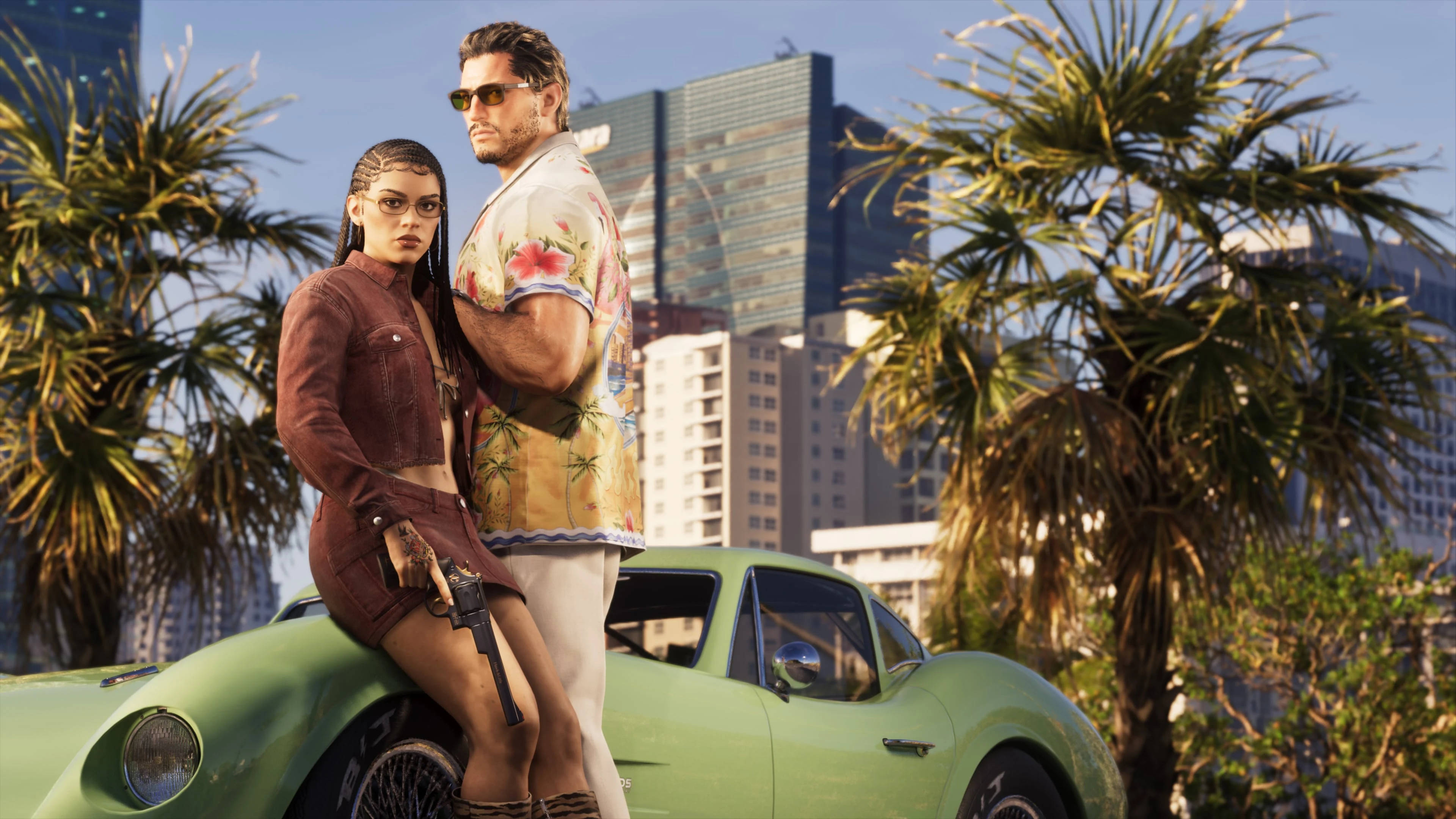
Explore the couple's different backgrounds, everyday moments and dangerous jobs in our illustrated stories, with fresh character insight from the LOVE preview.
A themed basketball event is scheduled for November 18 at Kaseya Center. This is a real-world promotion, not an in-game activity announcement.
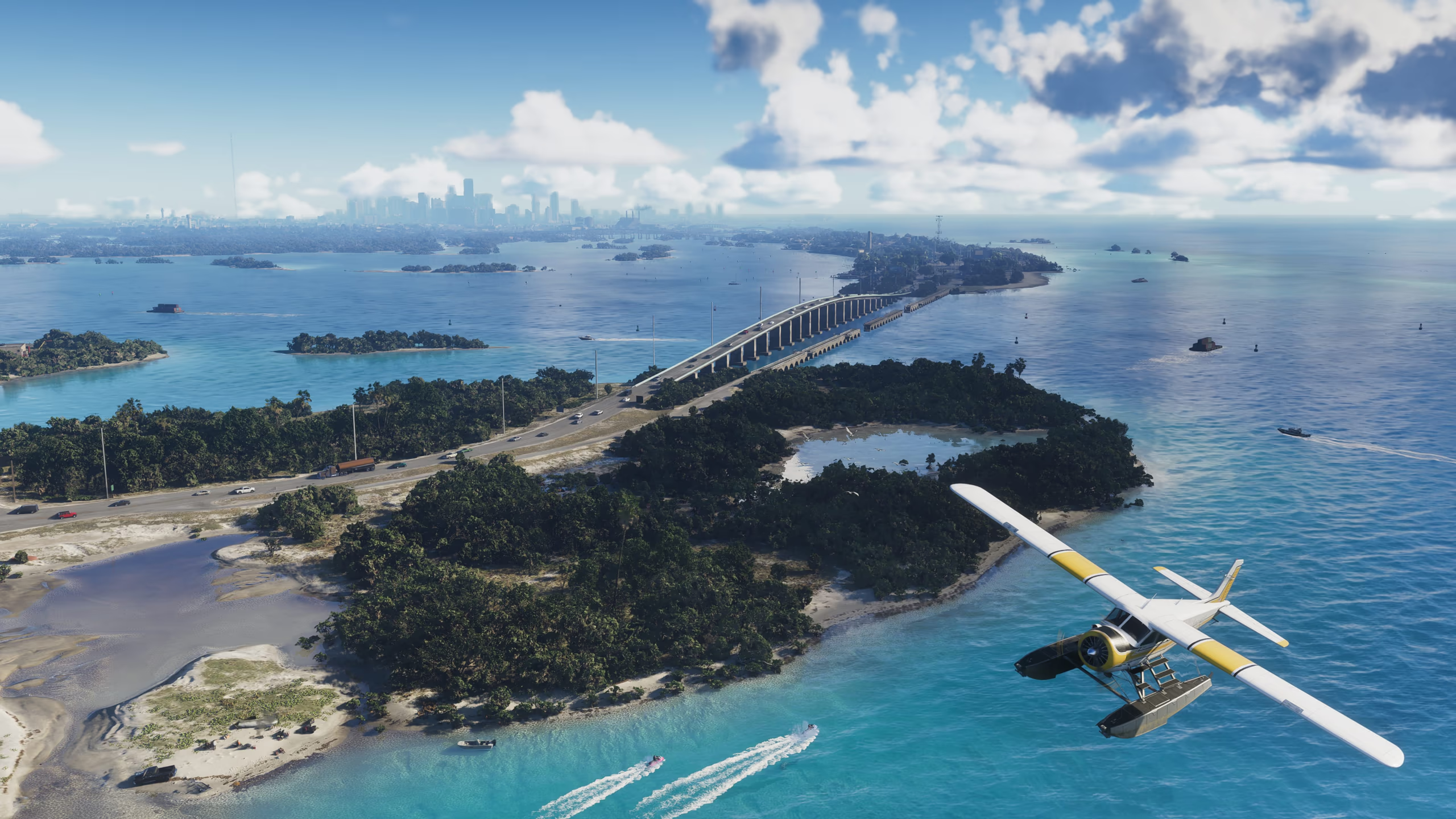
Moving clouds, rain on the horizon and neon reflected in wet streets. Explore Game Informer's new weather details alongside official images of Leonida.
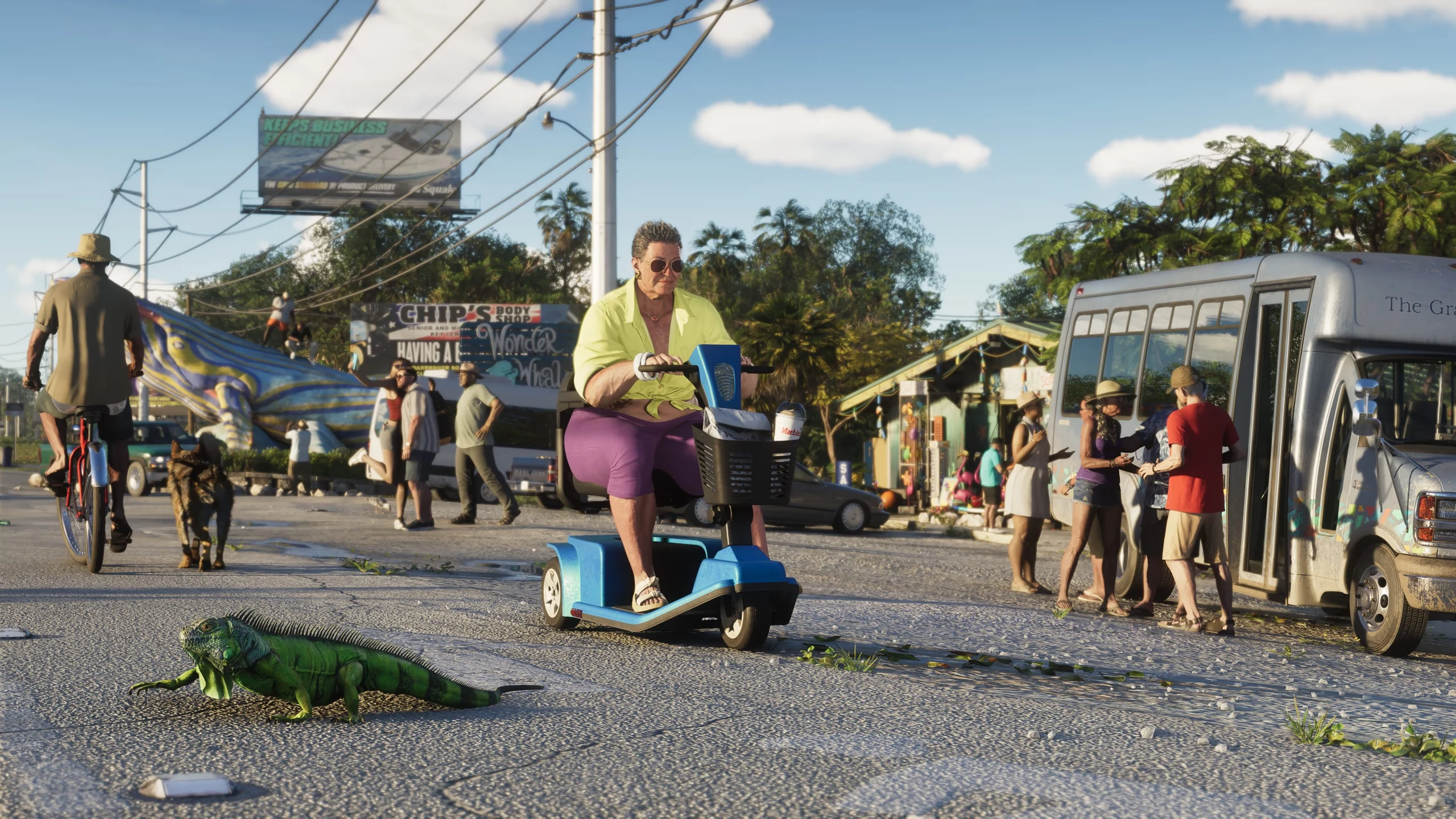
From woodland pools to coral reefs: see Leonida's animal habitats and catch up on the report's Rare, Discoverable and Legendary wildlife categories.
The Goodtime State – Vice City Collection is a merchandise set. Compare its contents with the game editions before choosing what to buy.
For another perspective, browse TGG's new-detail breakdown or the community discussion of the LOVE screenshots. Fans' Pulp Fiction comparisons are interpretations, not confirmed plot details.
Two people with different ideas of a fresh start, brought together by a job that goes wrong.
9 pages
Follow Jason and Lucia, discover Leonida’s weather and wildlife, or explore the actions and activities shown in Rockstar’s footage.
Find the player-controlled actions in Rockstar's PS5 footage and follow each system to its dedicated evidence page.
Read guideFind each substantial job by timestamp, people, objective, escalation, and the mission details Rockstar has not named.
Read guideLook up each demonstrated activity, its timestamp, participation cue, classification, and the rules Rockstar has not published.
Read guideTrace each police response and pursuit moment without turning visible stars, hiding, or a vehicle switch into invented rules.
Read guideLocate each combat action and distinguish demonstrated gunplay from weapon systems or stealth mechanics Rockstar has not explained.
Read guideSeparate visible phone use and social presentation from Dazed-reported feeds and unconfirmed player posting tools.
Read guideThe new species total, rare animal categories and wildlife already seen around Leonida.
Read guideMeet the couple behind the crime story, from quiet time at home to dangerous work across Leonida.
Read guideA closer look at local rain, lingering puddles and hurricanes, with official images of Leonida.
Read guide2 pages
The official date, launch platforms, current US prices, preload, physical format, and the questions that still justify waiting.
Check the launch date, supported consoles, US pricing, preload timing, and current PC status.
Read guideUse the official presentation as an evidence hub for gameplay, story, police, activities, combat, wildlife, phones, and every remaining unknown.
Open evidence hub4 pages
Compare editions and bonuses, then decide whether a digital entitlement or code-in-box product matches what you expect to own.
See what the $20 Ultimate upgrade adds—and whether Standard is the smarter buy for you.
Read guideCheck confirmed bonuses, eligibility deadlines, GTA+ terms, and whether waiting costs you anything.
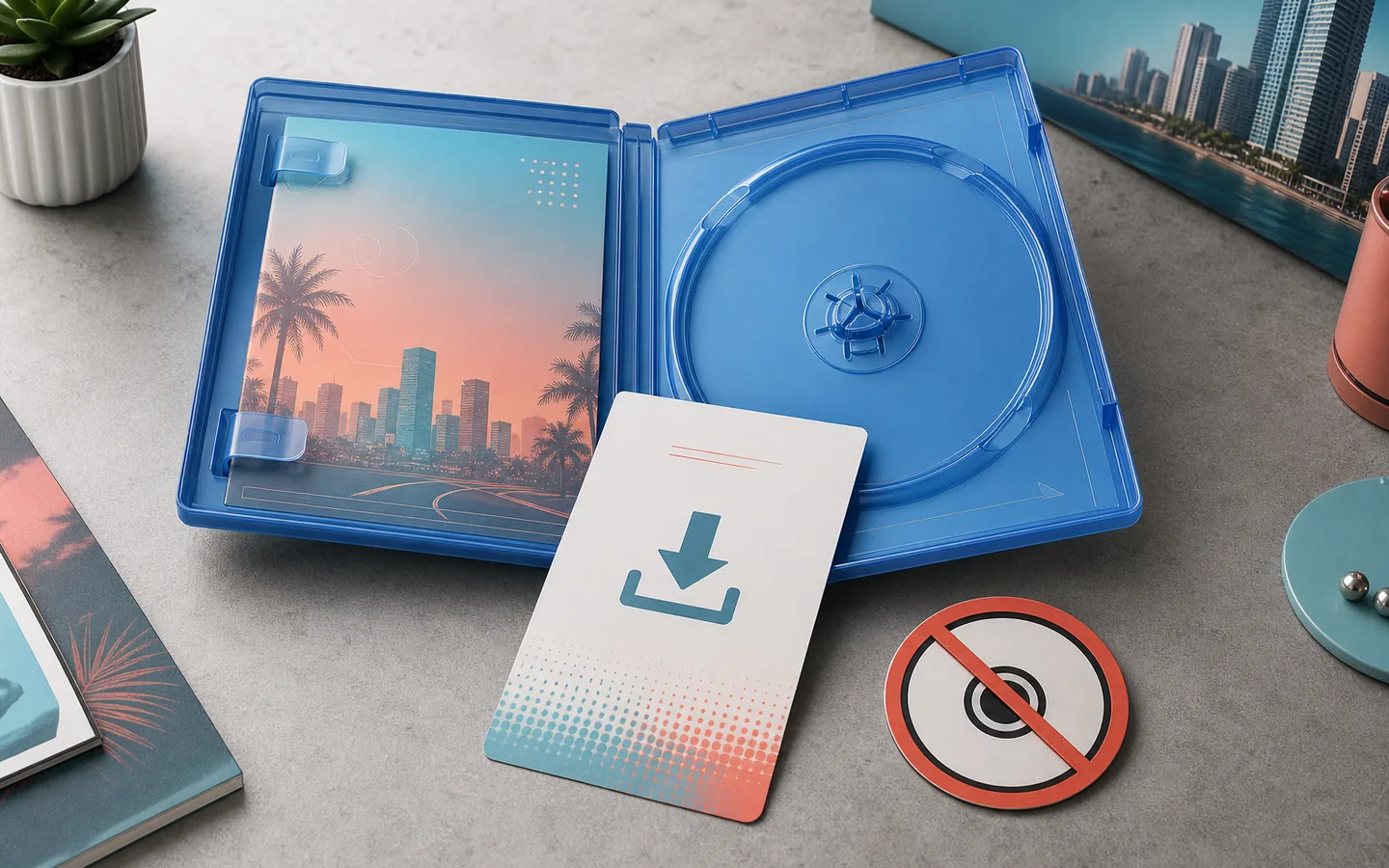
Read guideKnow which box includes the game, what the $399.99 Collector's Box contains, and why neither includes a disc.
Read guideMatch PlayStation codes correctly, understand the GTA VI Xbox rule, and avoid import or gift mistakes.
Read guide4 pages
Separate supported platforms from untested performance claims, and treat PC timing as analysis until Rockstar announces it.
Choose between PS5, Series X, and Series S without treating unconfirmed performance claims as fact.
Read guideSee what Rockstar has—and has not—announced about PC timing, storefronts, and system requirements.
Read guideCheck the official PS5-Xbox crossplay, progression, save, and purchase status.
Read guideCheck the official Xbox, Rockstar, and PlayStation language evidence without confusing subtitles with dubbed audio.
Read guide4 pages
Understand the basics first, then complete the real account, region, storage, network, security, and spoiler-control tasks.
Check the official download-size, preload, and regional unlock status before launch.
Read guideLearn the modes, platforms, editions, and spoiler-safe first steps without needing to play GTA V.
Read guideSee which interiors Rockstar has shown—and why 700+ or 70% enterable-building claims remain unsupported.
Read guideSix album singles, official listening links, vinyl/CD editions and trailer songs.
Read guideExplore GTA 6
Look up a person, place or vehicle, then browse the published screenshots and videos behind the guides.
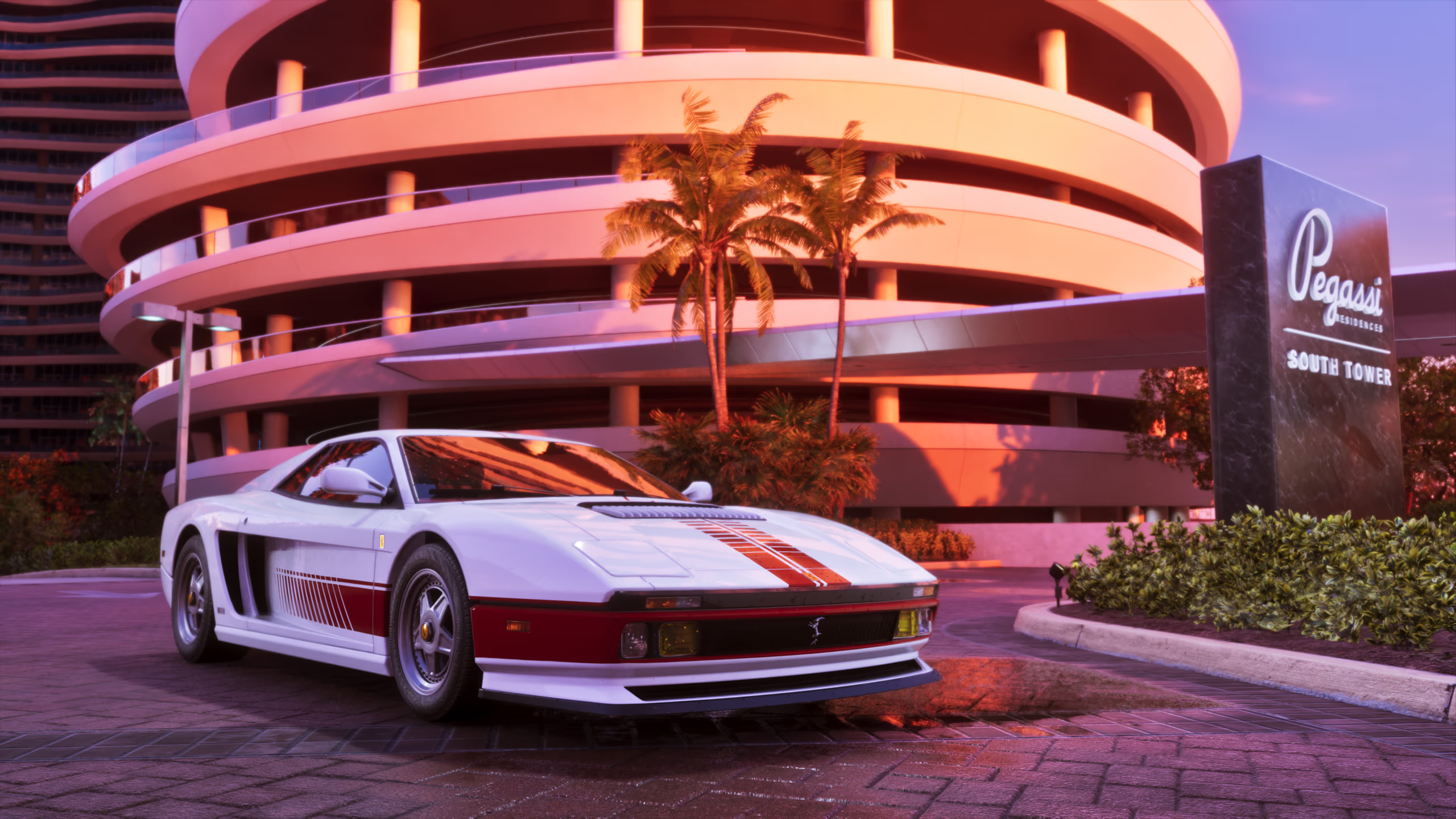 Vehicles47 reviewed entries with official, community-identified, and descriptive names.
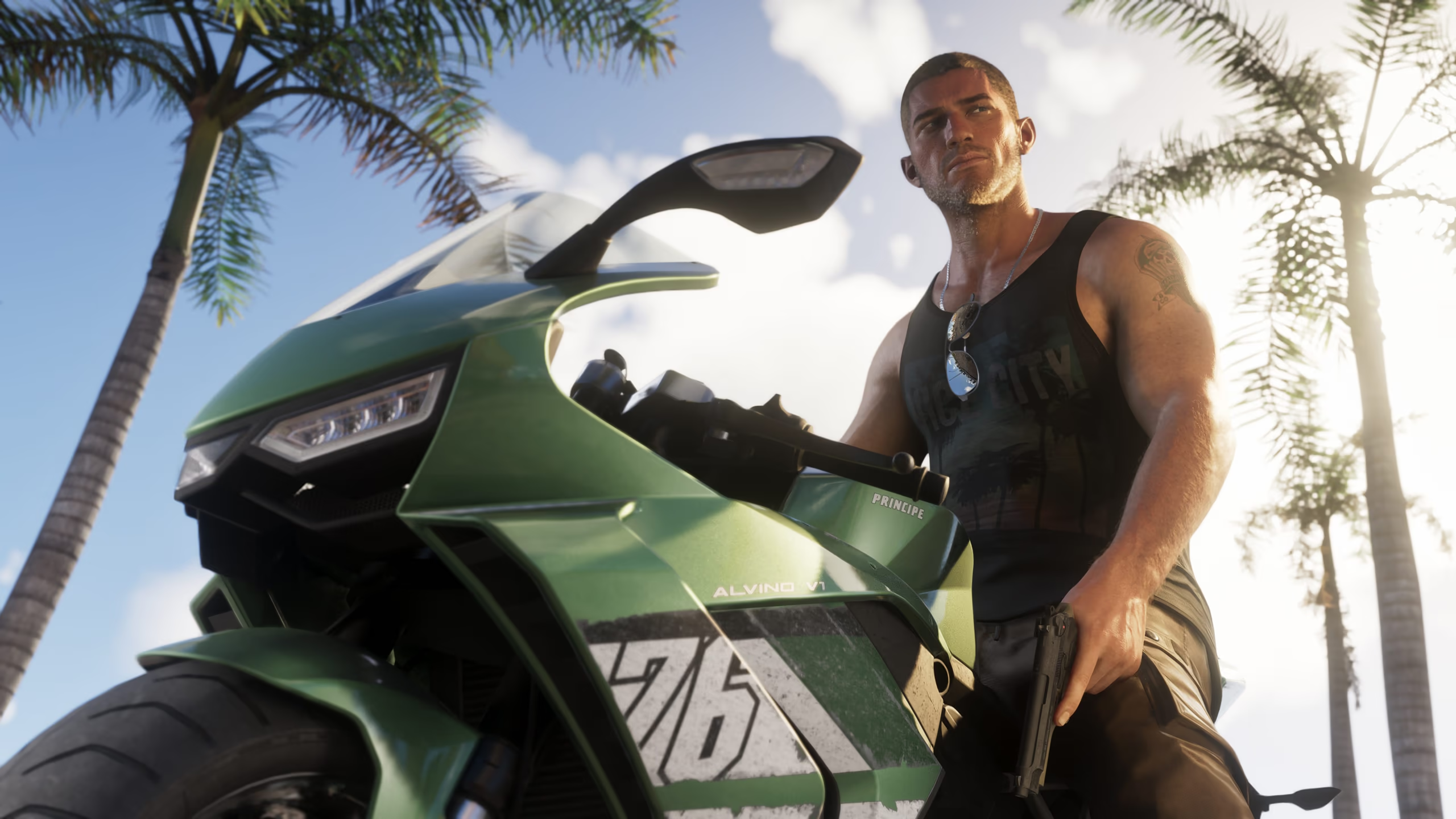 Characters22 named and recognizable people from Rockstar's official material.
 Locations30 regions, landmarks, venues, roads, and natural areas without fan-map claims.
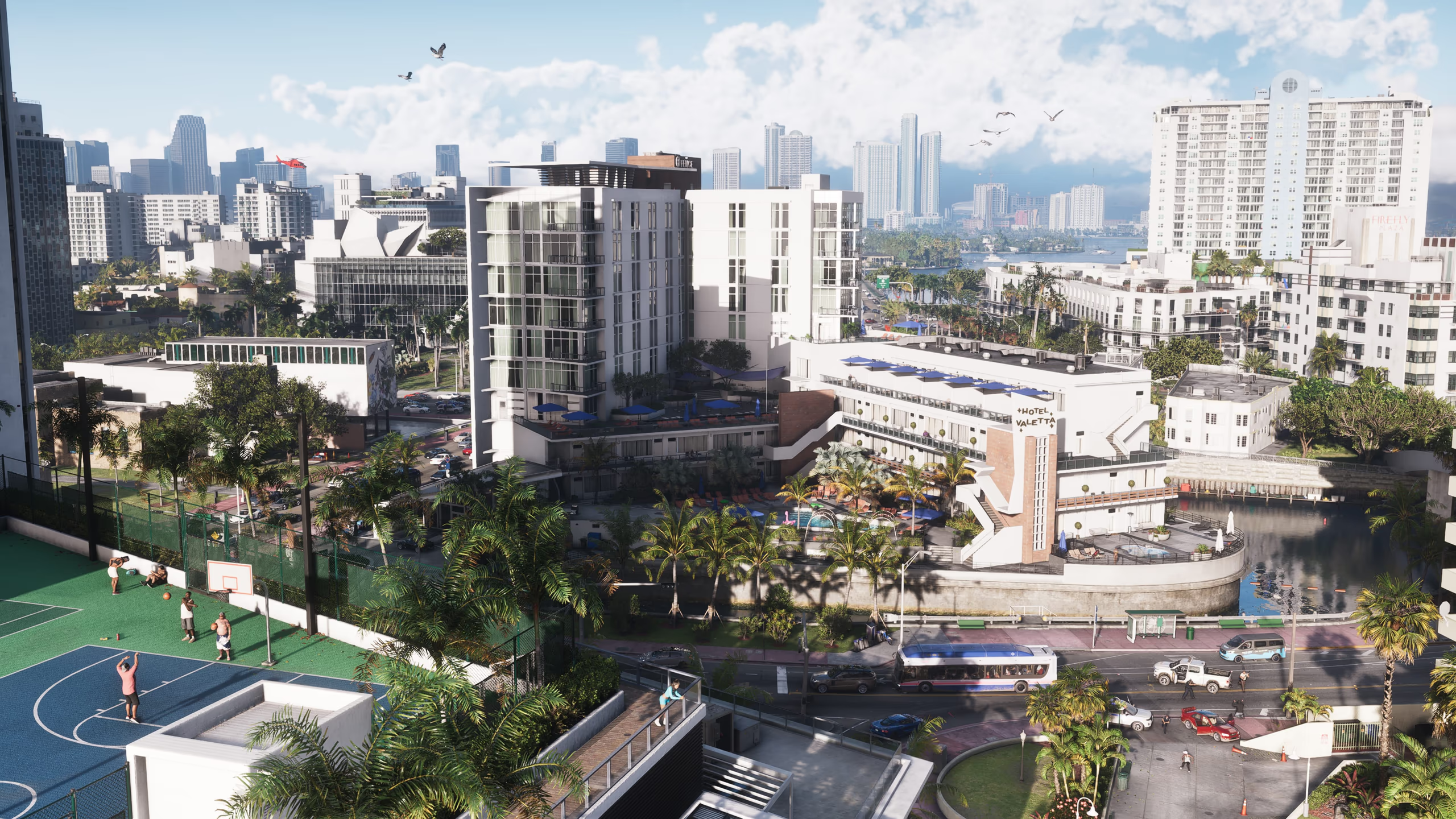 Features32 visible themes and timestamped gameplay observations, separated from unconfirmed mechanics.
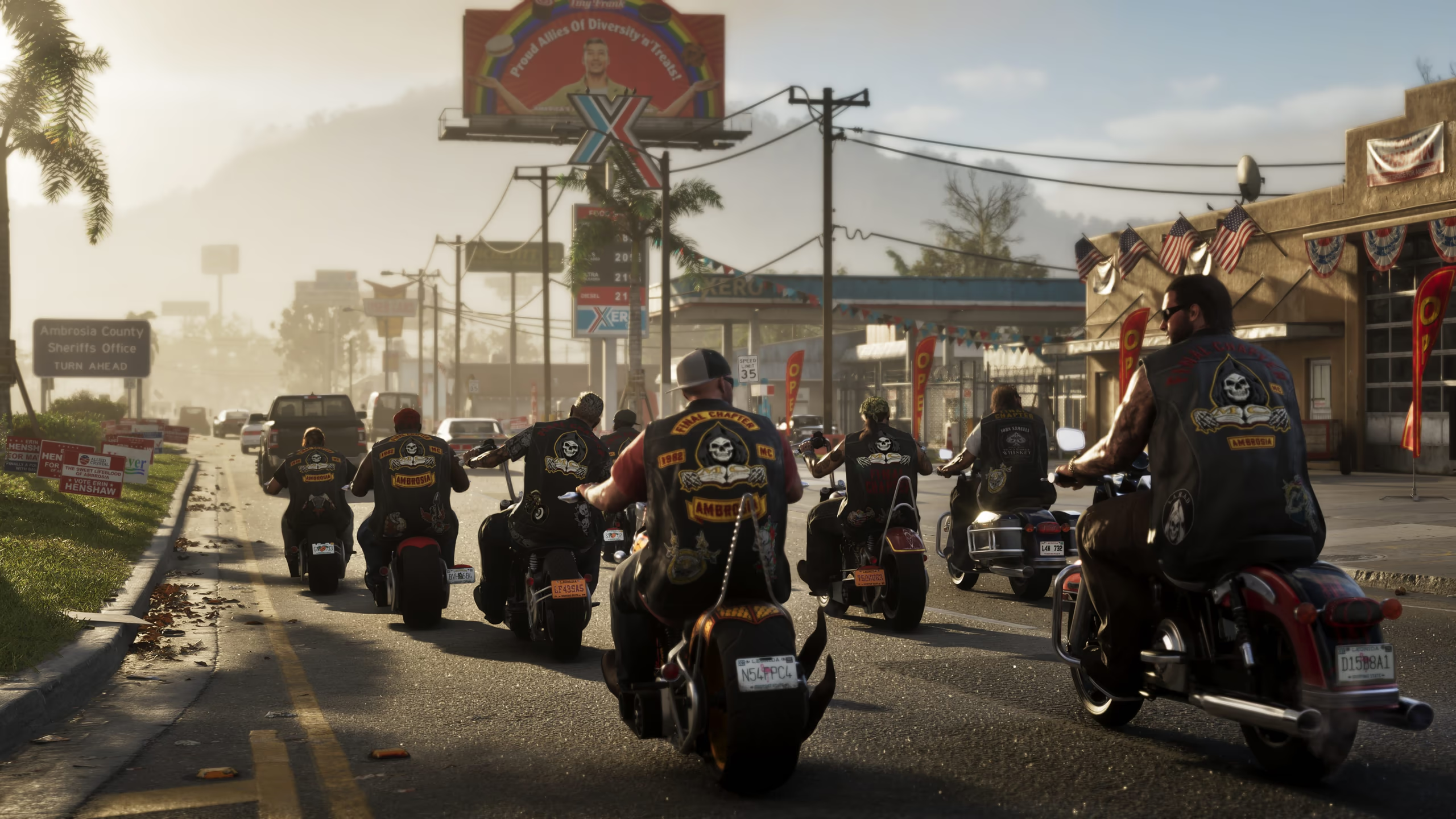 Images85 official image records: 70 standalone screenshots plus 15 labeled Extended Look frames.
 VideosAll 12 official Rockstar video assets with cover-first loading.
 EditionsThe complete Standard, Ultimate, and upgrade-path comparison.
Quick answers
Use the Release Date, Price and Platforms guide for the current official baseline. Move to an edition, platform, PC, physical-copy, or preparation guide only when that decision applies to you.
Official facts are attributed to Rockstar, Take-Two, PlayStation, Xbox, or their stores. Media reporting and editorial estimates are named naturally, tested against contrary evidence, and never presented as Rockstar confirmation.