Importing a PlayStation box
Match the Rockstar code group to the recipient account
Country proximity, shared language, or a compatible console does not replace the listed account-country rule.
GTA 6 guide
At a glance
There is no single yes-or-no rule. Rockstar says PlayStation GTA 6 codes must be redeemed by accounts in the compatible country group listed for that code, while GTA 6 Xbox game codes are not region-locked. The physical Standard edition is code-in-box with no disc, so confirm the platform, retailer country, and account region before buying. Do not assume the Xbox game-code rule also covers wallet funds, add-ons, subscriptions, languages, or refunds.
PlayStation GTA VI codes use Rockstar's country groups. Rockstar says GTA VI Xbox game codes are not region-locked—but that narrow rule does not make every store item globally interchangeable.
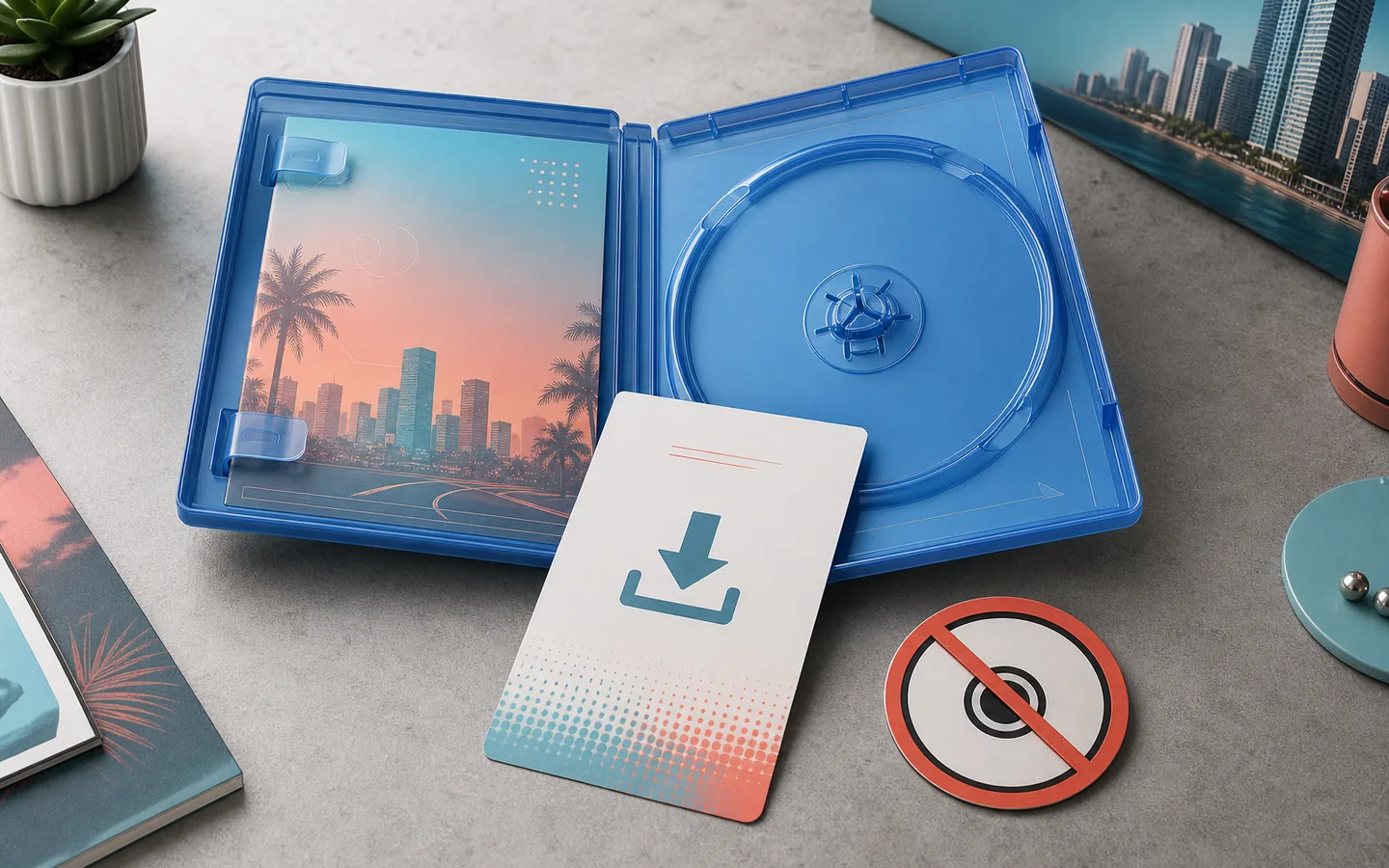
Official GTA VI edition artwork reused for this purchase-compatibility guide.Image: Rockstar Games
Check items off in this browser as you prepare. Nothing is sent or saved to an account.
Swipe left or right to see the rest of the table.
| Feature | PlayStation | Xbox |
|---|---|---|
| GTA 6 game code | Must match a Rockstar-listed account-country groupPartial | Rockstar says GTA VI codes are not region-lockedYes |
| Account/store context | Account country cannot be changed after creationPartial | Store region, balance, payment, and item rules still existPartial |
| Safest import rule | Buy the code group that includes your account countryYes | Verify platform, item, language, retailer, and refund termsYes |
Swipe left or right to see the rest of the table.
| Feature | Compatible PlayStation account countries/regions | Special note |
|---|---|---|
| Brazil | Brazil | No additional GTA VI code note listed |
| LATAM | Argentina, Bolivia, Chile, Colombia, Costa Rica, Ecuador, El Salvador, Guatemala, Honduras, Mexico, Nicaragua, Panama, Paraguay, Peru, Uruguay | Use the listed group; do not infer other countries |
| North America | Canada, United States | Does not include the United Kingdom |
| Korea | South Korea | Separate from Rest of Asia |
| Japan | Japan | Code expires 170 days after issuance on November 19, 2026 |
| United Kingdom | United Kingdom | Separate from Rest of EMEA and Asia |
| Saudi Arabia & UAE | Saudi Arabia, United Arab Emirates | Use only these listed account countries |
| Rest of Asia | Hong Kong, Indonesia, Malaysia, Singapore, Taiwan, Thailand | Korea and Japan use separate groups |
| Rest of EMEA and Asia | Australia, Austria, Belgium, Bulgaria, Croatia, Cyprus, Czechia, Denmark, Finland, France, Germany, Greece, Hungary, Iceland, India, Ireland, Israel, Italy, Luxembourg, Malta, Netherlands, New Zealand, Norway, Poland, Portugal, Romania, Slovakia, Slovenia, South Africa, Spain, Sweden, Switzerland, Turkey, Ukraine | United Kingdom, Saudi Arabia, UAE, Korea, Japan, and listed Rest of Asia countries use other groups |
For PlayStation, start with the country or region registered on the account that should own GTA 6. Sony says voucher region must match the account region, and the account country cannot be changed after creation.
Rockstar's GTA VI table groups some countries together, but not every nearby country shares a group. A US or Canadian code is in the North America group; a UK account uses the separate United Kingdom group. Therefore, a US PlayStation GTA VI code should not be bought for a UK account.
Use the platform account—not your current travel location, shipping address alone, or the language printed on the box—as the starting point. Ask the retailer to identify the code group before payment.
Swipe left or right to see the rest of the table.
| Feature | Digital store purchase | Physical code-in-box |
|---|---|---|
| Purchase path | Buy while signed into the platform store account | Buy a retail package containing one game code |
| Redemption | Entitlement is attached at checkout; no game code entry | Redeem the code once on the account that should own it |
| Region check | Store availability, payment, price, language, tax, and refund rules still varyPartial | Use the platform-specific GTA VI code rulePartial |
| Install media | Full platform download | Full platform download; no disc |
| Ultimate upgrade | Buy from the platform store after Standard redemption | Redeem Standard code first, then buy the digital upgrade |
Importing a PlayStation box
Country proximity, shared language, or a compatible console does not replace the listed account-country rule.
Importing an Xbox box
The GTA VI game code is not region-locked according to Rockstar, but delivery, language, bonus, account, and refund questions remain separate.
Buying for someone in another country
A PlayStation gift must fit the listed code group; an Xbox gift still needs the correct platform, product, and a recoverable retailer path.
Sending a digital gift or wallet value
The GTA VI Xbox game-code rule and PlayStation GTA VI groups do not automatically govern wallet cards or every digital gift flow.
Swipe left or right to see the rest of the table.
| Feature | What is currently included | Region-safe action |
|---|---|---|
| Physical Standard | Game code plus Vintage Vice City Pack | Redeem the combined code on the compatible platform account |
| One month of GTA+ | Eligible digital purchases only | Use the same purchasing platform account and its platform-specific redemption deadline |
| Ultimate Edition Upgrade | Separate digital add-on after Standard redemption | Buy from the store attached to the account that owns Standard |
Check items off in this browser as you prepare. Nothing is sent or saved to an account.
Check items off in this browser as you prepare. Nothing is sent or saved to an account.
A failed code does not create one universal refund right. The correct path depends on where you paid: PlayStation or Xbox store purchases go to that platform's support; Rockstar Store physical purchases use Rockstar's listed checkout support; third-party retail purchases go back to the retailer.
Before contacting support, preserve the receipt, order number, product photos, account country, code-country information, and the complete error message. Do not keep testing the code across multiple accounts or change region settings as a workaround.
For the no-disc format, used-code risk, and installation path, read Physical Copy: No Disc.
For the Vintage Pack, GTA+ deadlines, and cancellation reminder, use Preorder Bonuses.
For the later digital add-on path, compare Standard vs Ultimate.
After purchase, use the launch-day checklist for account, preload, storage, and security preparation.
Recommendation
PlayStation buyers should use the exact Rockstar group that includes their account country. Xbox buyers can rely on Rockstar's non-region-locked GTA VI game-code statement, but must still verify the product, account, language, bonus, payment, and refund context.
Buying guidance
Proceed after checking the exact product
This is the lowest-risk path for code, support, and refund compatibility.
Redeem on the intended Microsoft account
Rockstar says GTA VI Xbox game codes are not region-locked; keep the statement limited to that product code.
Wait for the retailer to confirm compatibility
A wrong group will not be fixed by changing the account country after purchase.
Ask for platform and account country first
The correct answer differs by platform, product type, and account context.
Quick answers
There is no universal answer. PlayStation GTA VI codes use Rockstar's account-country groups, while Rockstar says GTA VI Xbox game codes are not region-locked.
No. Rockstar lists Canada and the United States in North America and the United Kingdom as a separate PlayStation code group.
Check the account country in PlayStation Account Management, then match it to the Rockstar GTA VI group supplied by the retailer. PlayStation account country cannot be changed after creation.
Rockstar's GTA VI support page says GTA VI Xbox game codes are not region-locked. Keep that statement limited to the GTA VI game code.
No. The physical Standard Edition contains a digital game code and requires a full platform download.
Only after confirming the recipient's platform and account country. PlayStation gifts must fit the listed code group; Xbox game codes use Rockstar's different rule, while wallet and store gifting rules remain separate.
The current physical Standard code includes the Vintage Vice City Pack, but the one-month GTA+ offer is listed for eligible digital purchases.
Rockstar says Japanese PlayStation GTA VI product codes expire 170 days after issuance on the November 19, 2026 launch date.
Rockstar confirms the upgrade after Standard redemption, but does not promise every cross-region add-on combination. Buy the upgrade from the store attached to the account that owns Standard.
Check typing, prior use, platform, account, PlayStation country group, expiry, restrictions, and service status. Keep the receipt and contact the retailer for a wrong retail code or the platform for account/store errors.
Source record
Published the official PlayStation GTA VI code groups, scoped Xbox rule, code-in-box flow, import scenarios, troubleshooting, and support paths.
Continue reading
Know which box includes the game, what the $399.99 Collector's Box contains, and why neither includes a disc.
Read guideCheck confirmed bonuses, eligibility deadlines, GTA+ terms, and whether waiting costs you anything.
Read guideSee what the $20 Ultimate upgrade adds—and whether Standard is the smarter buy for you.
Read guideCheck the official Xbox, Rockstar, and PlayStation language evidence without confusing subtitles with dubbed audio.
Read guideCheck the official download-size, preload, and regional unlock status before launch.
Read guide